Your ultimate EAA Checklist. Now free.

Simply EVERYTHING you need to know as a web developer about the new European Accessibility Act (EAA) – bundled in a PDF with 100+ self-check and implementation tips. Simple.


Over 400 web professionals already use our checklist to make their projects accessible.
What is the EAA Checklist for?
Since June 28, 2025, many websites and mobile applications must be accessible according to the EAA. However, the legal texts are often formulated in a complex and confusing way.
What is the EAA Checklist for and what can you expect? - Explainer video
In this short video, you will learn what to expect in the EAA Checklist and how it helps you meet the requirements of the European Accessibility Act (EAA).
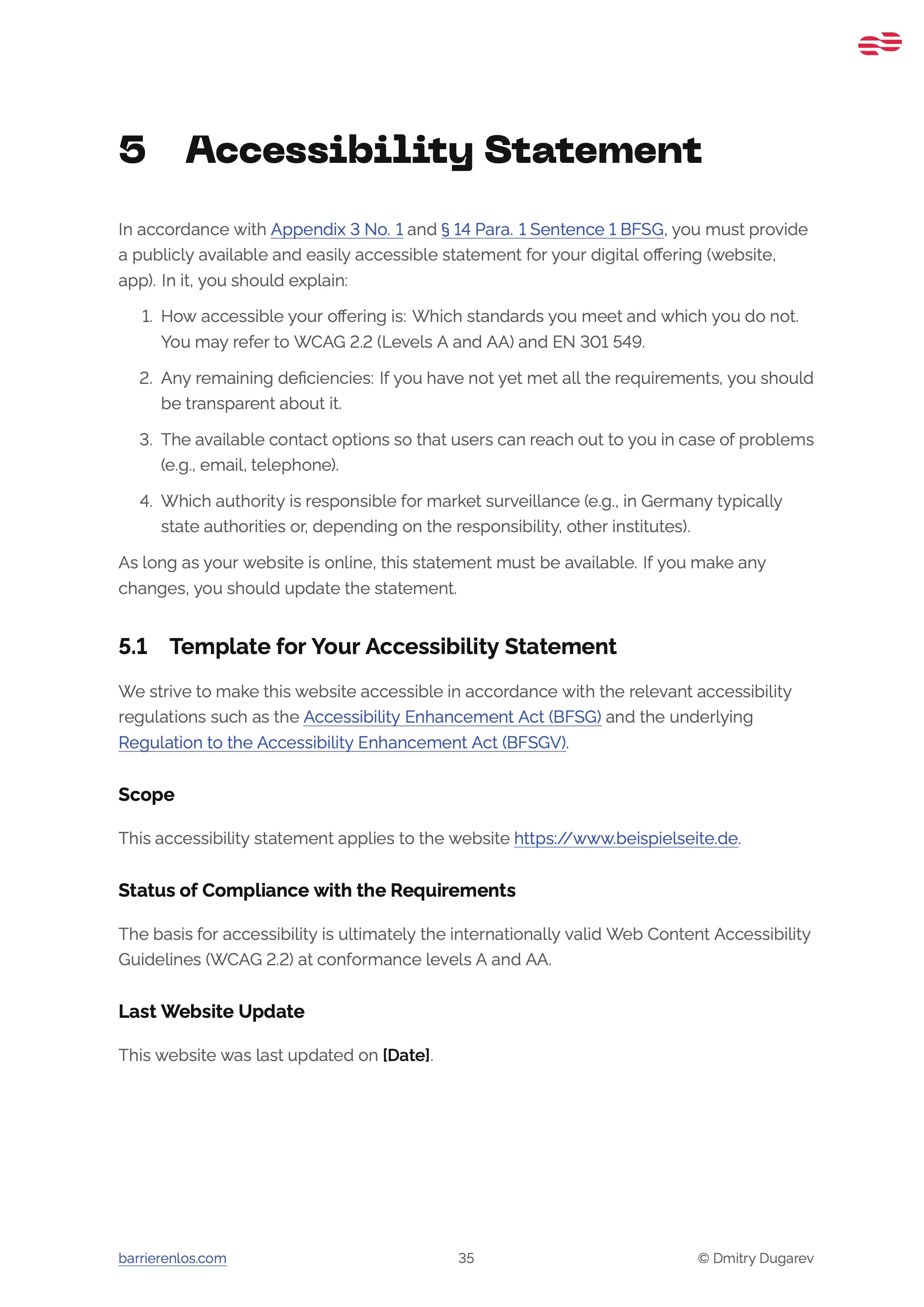
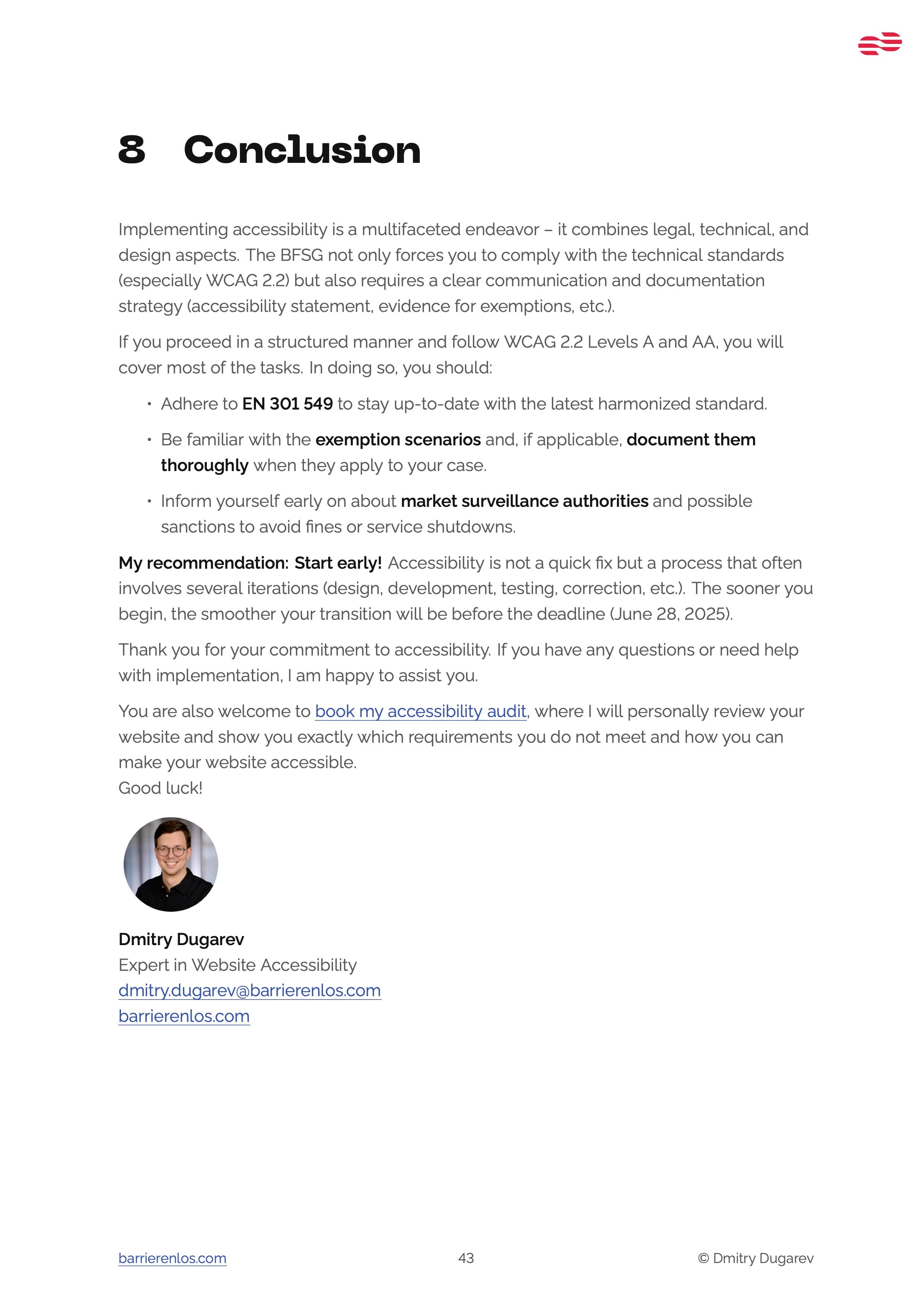
This PDF bundles the most important information you need to know as a website developer about the new European Accessibility Act (EAA) – with 100+ practical self-check tips.


Over 400 web professionals already use our checklist to make their projects accessible.
I use the checklist myself for my accessibility audits, update it regularly, and bundle all my know-how in it – so you benefit immediately!
Click the button below to receive your copy of the EAA Checklist for websites as a PDF for free and download it immediately after successful email confirmation.
Do you still have questions?
It's simple: there is no catch. I am firmly convinced that fundamental knowledge about digital accessibility should be freely available to make the web better for everyone. Our business model is based on conducting professional audits and selling our plugin Semanticality™ for WordPress. This checklist is the best way for us to prove our expert status to you. If you are convinced of the value of the checklist, you may become our customer later – if not, you still have a valuable tool at hand. This is a win-win situation for us.
Imagine you want to climb a mountain. The checklist is the detailed map: it shows you the way, all routes, the danger points, and gives you the knowledge you need to reach the summit.
The audit is the experienced mountain guide by your side: I take the map, walk the route specifically for you, mark the exact spots where you could slip, and give you a precise, step-by-step guide tailored to your equipment. In short: the checklist gives you the 'what,' the audit gives you the individual 'how' for your specific project.
Yes. The checklist is based on the Web Content Accessibility Guidelines (WCAG), which are the universal standard for all web content – regardless of the system your site was built with. The 55 checkpoints apply to a WordPress site just as much as to a manually coded shop or a web app. The examples and solution approaches are designed to be understandable for every developer.
The German Act on Strengthening Accessibility (BFSG) is a German law intended to improve the accessibility of products and services for people with disabilities. It implements the European Accessibility Act (EAA) into national law.
BITV 2.0 primarily affects public bodies, while the EAA also obligates private companies in the B2C- / D2C-sector to ensure digital accessibility for certain products and services, such as in e-commerce. Use my free EAA Check Tool to check whether your company is affected by the EAA.
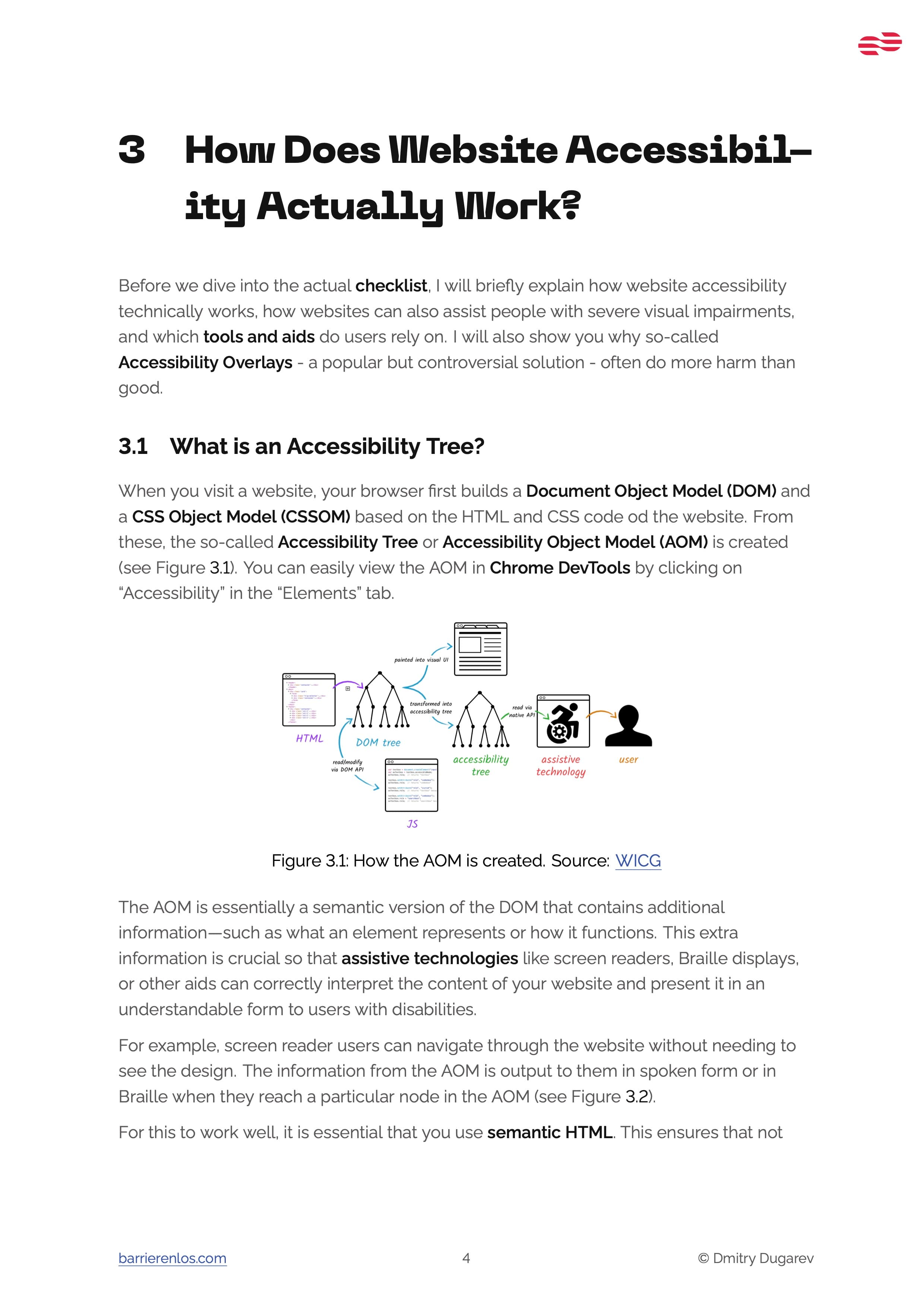
Digital accessibility ensures that all people, including those with disabilities, can access websites and applications without restrictions. It improves the user experience and increases your website's reach, while legal risks are avoided.
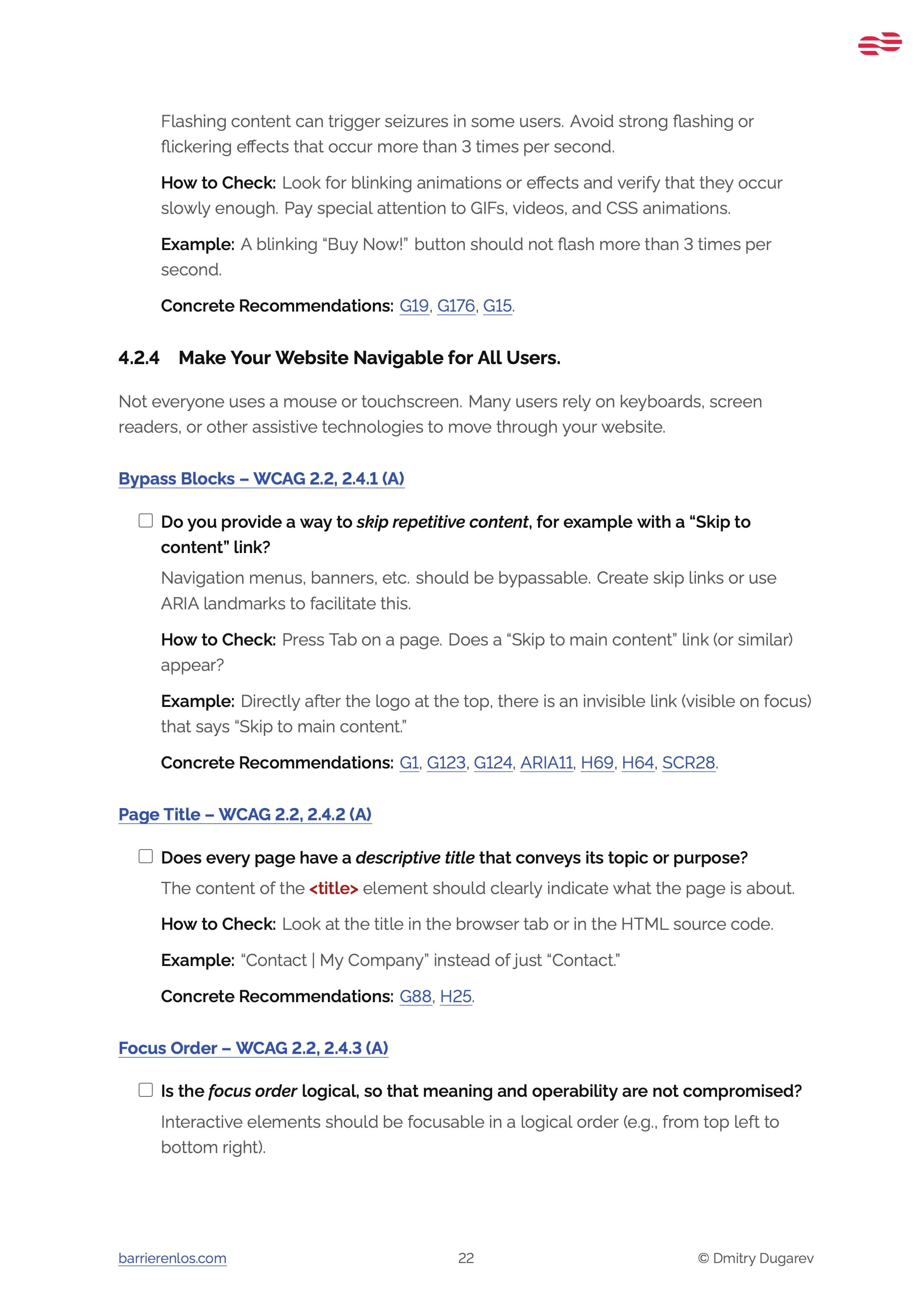
The checklist contains all 55 requirements of the EAA as well as over 100 practical tips for self-checking and implementation. It helps you make your website or app accessible and legally compliant.
Yes, the checklist is aimed at web developers and people responsible for the technical implementation of websites. It contains technical requirements and implementation tips. Nevertheless, there are chapters with general information that are also understandable for non-technicians. For example, the chapters on the legal basis and exceptions.
There are various measures to make your website accessible, such as using clear structures, sufficient contrasts, and alternative texts for images.
You can find out more in my article about Website Accessibility.
Your name helps me to make the emails more personal and to address you directly.
Your email address is required to send you the checklist as a PDF. You will also receive valuable tips on website accessibility and information on other offers.
Your data is safe with me and will not be passed on to third parties. You can unsubscribe at any time. More on this in our Privacy Policy.
The process is simple and transparent:
- You enter your name and email address in the form and click "Submit".
- You will receive a confirmation email with a link. Please click on this link to verify your email address (Double Opt-In).
- After confirmation, you will be automatically redirected to the page where you can download the EAA Checklist as a PDF.
- In addition, I will also send you the checklist by email so that you have it readily available at any time.
- From time to time, I will send you other useful tips on website accessibility and information on my offers. You can unsubscribe at any time if you no longer wish to receive emails.